
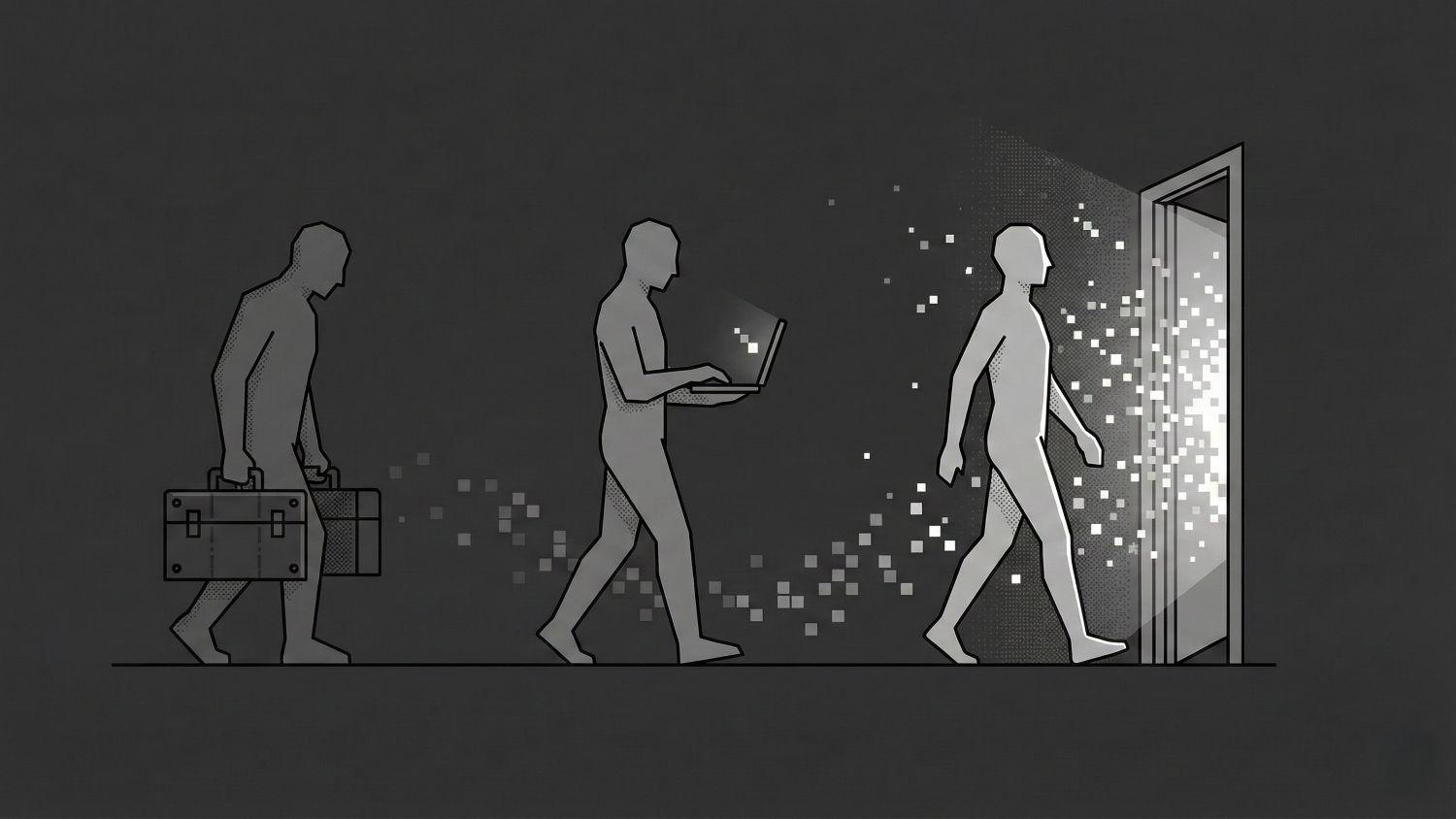
Your Colleagues Are Going to Build. Are You Ready?
You don't need to be a developer to create software. What marketers, finance leads, and HR managers can now build themselves, and where they need help.
You don't need to be a developer to create software. Not anymore.
You know the feeling. You've been waiting six weeks for a report that IT put "on the backlog." You're copying data from one spreadsheet to another because there's no integration. You have an idea for a dashboard, but "that's a dev question" and they're busy.
Meanwhile, you keep hearing that AI changes everything. But you don't know where to start.
This article is for you. Not for developers. For the marketer who wants to move faster. The finance lead who's tired of manual work. The HR manager who wants to streamline processes. The ops manager who sees duct tape everywhere.
You can build things yourself now. Here's what you need to know.
What's Changed
In early 2025, AI researcher Andrej Karpathy coined the term "vibe coding": creating software by describing what you want, in plain language. No programming language. No terminal. Just a conversation.
A year later, this is no longer an experiment. This is how software gets built now.
Tools like Claude, Cowork, and Cursor let you say: "I want a dashboard that shows our marketing spend per channel, using data from this spreadsheet." And you get a working dashboard.
Peter Steinberger, an experienced developer, describes the shift:
Most software does not require hard thinking. Most apps shove data from one form to another.
That's exactly the work you've been waiting on. Moving data from A to B. Generating reports. Processing forms. Sending alerts.
The implication: building these kinds of tools is no longer a scarce skill. The bottleneck is shifting from knowing how to code to knowing what you want.
What You Can Build Right Now
Two examples:
Marketing: A marketing manager built a dashboard in an afternoon that automatically compares campaign performance to the previous week. Every Monday at 8:00 AM, she gets an email with the campaigns that need attention. What used to take two hours of manual work now takes zero.
Finance: A finance lead created a reconciliation tool that matches bank transactions with outstanding invoices. The script she built in a conversation with Claude replaced a weekly process of four hours of copying and comparing.
Other examples: HR managers generating onboarding checklists per role. Ops leads building inventory alerts. Customer success teams calculating churn risk scores based on usage data.
Marketers, finance leads, and ops managers are building this themselves now. Without any programming experience.
The question isn't what you can build. The question is how to get started.
The New Skill: Specifying
You don't need to learn to code. You need to learn to specify. And you don't do that all at once. You build it up in conversation with AI.
Step 1: Start With a Chat
Open Claude, ChatGPT, or another AI. Explain your problem. Not what you want to build, but what your problem is.
I'm a marketing manager. Every week I manually compare our campaign performance in Google Ads to the previous week. It takes me 2 hours and I make mistakes. I want to do this smarter.
That's enough to get started.
Step 2: Let AI Think Along
Ask for perspectives:
What are the ways to approach this? What are my options? What should I be thinking about?
AI comes up with questions you hadn't considered:
- Do you want an alert only for large deviations, or always a report?
- Should it run automatically or do you start it manually?
- Who else needs to see this?
- What do you do with campaigns that just launched?
This conversation sharpens your thinking.
Step 3: Work From Big to Small
You don't build it all at once. You work in layers.
PRD → Epics → Tasks
A PRD (Product Requirements Document) describes the what and why. What's the goal? For whom? What's in and out of scope?
Epics are the big chunks of work — a term from software development for "too big to do in one go." If your PRD says "automatic campaign alerts," then your epics might be: "fetch data," "make comparison," "send alert."
Tasks are the concrete steps within an epic. Small enough to complete in a single session.
PRD: Campaign Performance Alert
├── Epic 1: Fetch data from Google Ads
│   ├── Task: Configure API access
│   ├── Task: Fetch campaign data (past 14 days)
│   └── Task: Store data in workable format
├── Epic 2: Compare performance
│   ├── Task: Calculate CPL per campaign per week
│   ├── Task: Calculate week-over-week difference
│   └── Task: Flag campaigns with >20% increase
└── Epic 3: Send alert
    ├── Task: Create email template
    ├── Task: Set up automatic trigger on Monday morning
    └── Task: Test with real data
You don't have to figure this out yourself. Ask AI:
Break this down into epics and tasks. What needs to happen, in what order?
Step 4: Write a PRD
For larger projects: ask AI to help you write your PRD.
Help me write a PRD for this tool. Describe the goal, the user, the must-haves, the nice-to-haves, and what's explicitly out of scope.
A PRD forces you to make sharp choices:
- What's the goal? (not: "campaign insight," but: "know within 5 minutes which campaigns need action")
- Who's the user? (just you, or your team too?)
- What's v1? (minimally functional, not perfect)
- What's explicitly not v1? (prevents scope creep)
Example PRD:
# PRD: Campaign Performance Alert

## Goal
Every Monday morning, know within 5 minutes which
Google Ads campaigns need action.

## User
Marketing manager (myself), later possibly the entire marketing team.

## Must-haves (v1)
- Compare cost-per-lead over the past 7 days vs. the 7 days before
- Flag campaigns with >20% increase in CPL
- Output: simple table in email, sorted by largest increase first
- Runs automatically every Monday at 8:00 AM

## Nice-to-haves (v2)
- Slack notification alongside email
- Adjustable threshold
- Historical trend (4 weeks)

## Out of scope
- Automatically pausing campaigns
- Integration with other platforms (Meta, LinkedIn)
- Dashboard with charts
Step 5: Save Everything in Markdown
Use Markdown files for your plans and PRDs. Not loose chat messages you'll lose — working documents you can save, share, and update. AI can work directly with Markdown, so you can say: "Update the PRD with what we just discussed."
This is specifying. Not typing the perfect prompt in one go — but sharpening your thinking in conversation with AI, breaking it into manageable pieces, and documenting what you're building.
What You'll Run Into
Let's be honest: it's not all smooth sailing.
The start is bumpy. Your first attempts will fail. The AI doesn't understand you. The result isn't what you meant. This is normal. Iterating is part of the process.
You don't know what you don't know. You build something that works — but is it secure? Is this allowed with this data? What if it breaks? You're missing the context that developers have built up over years.
Sensitive data doesn't forgive mistakes. Customer data, financial data, HR information — there are rules here. A self-built script that accidentally leaks data is not a hypothetical risk.
Maintenance is nobody's favorite. You build something, it works, you forget about it. Until it breaks. Or until you change jobs and nobody knows it exists.
It escalates quickly. What starts as "just a little script" quietly becomes critical infrastructure. Without anyone realizing it.
When You Need Help
Here's the tension: you don't want to go back to waiting six weeks for IT. But you also don't want to build something alone that blows up later.
The solution isn't an approval process. It's knowing what you can't see.
What You Don't See
As a non-developer, you see the piece you're building. A developer sees the system.
You see: "My script works."
They see: "Where does that data go? What happens when it fails? What if there are 10,000 records instead of 100? Who else has access? What breaks when the CRM updates?"
This isn't a criticism of your skills. This is pattern recognition built up through years of building systems and watching them fail.
How It Goes Wrong
Concrete scenarios:
You build a script that processes customer data. Works great. But the data goes to an external API — and that's a GDPR violation. You didn't know that API runs outside the EU.
You create an automation that works perfectly. With 100 records. At 10,000 records, the entire system crashes. Or it costs €200 in API calls per month.
You connect to the CRM. Works. Until your team gets blocked because you hit the rate limit. Or until a colleague's changes break your output.
You make a "temporary" dashboard. Six months later, three processes depend on it that nobody knows about. You're on vacation. It breaks. Nobody knows how it works.
These aren't hypothetical risks. This happens. Every developer has these stories.
What the Interaction Looks Like
Not a ticket. Not a formal review process. Not weeks waiting for approval.
Instead: a fifteen-minute conversation. You share your PRD. You ask: "What am I overlooking?"
The developer asks questions:
- Where does that data come from? Where does it go?
- What happens when it fails? Who notices?
- How big can this get?
- Who needs access? Who should explicitly not have access?
- Is this throwaway or does it need to keep working?
The output isn't "approved" or "rejected." The output is: a short list of things to think about. Or: "this looks good, go for it."
You Stay the Owner
This is the difference from the old world. Before, you'd give an assignment to IT and wait until they delivered something. They owned it.
Now you build. The developer is a consultant, not the builder. They help you see blind spots. You decide what to do with that.
That also means: you're responsible. If it breaks, it's your problem. That's the trade-off for not having to wait anymore.
The Questions You Can Ask Yourself
You don't always need to ask a developer. You can start with the same questions they would ask:
- What's the worst thing that can happen if this fails?
- Who's affected if it goes wrong?
- Does this contain personal or business-sensitive data?
- Is this a one-time action or does it need to keep running?
- Will others become dependent on this?
- What happens if I change jobs next month?
If you don't have a good answer to several of these — ask a developer to take a look.
How to Get Started
Start small and personal. Not the big project your team needs. Something that only makes your own work easier. A report you create manually every week. A data check you keep repeating.
Use a tool with guardrails. Cowork (Anthropic), Claude, or similar tools are designed with non-developers in mind. Safer than a blank code editor.
Test with real data. Not with sample data. With your data. Check if the result is correct.
Ask for feedback before you expand. Does it work? Check with a developer or tech-savvy colleague before you share it or create dependencies.
The New Reality
Three things to remember:
Specifying is the new skill. Not coding. Making clear what you want, in layers: PRD → Epics → Tasks. AI does the rest.
Your blind spots are real. You don't see what a developer sees. Ask for a fifteen-minute check before you build something that touches sensitive data or that others will depend on.
You're the owner. No more IT tickets. No more waiting six weeks. But also: if it breaks, it's your problem.
The tools are here. The barrier is gone.
What would you build if you didn't have to wait?